
 By:
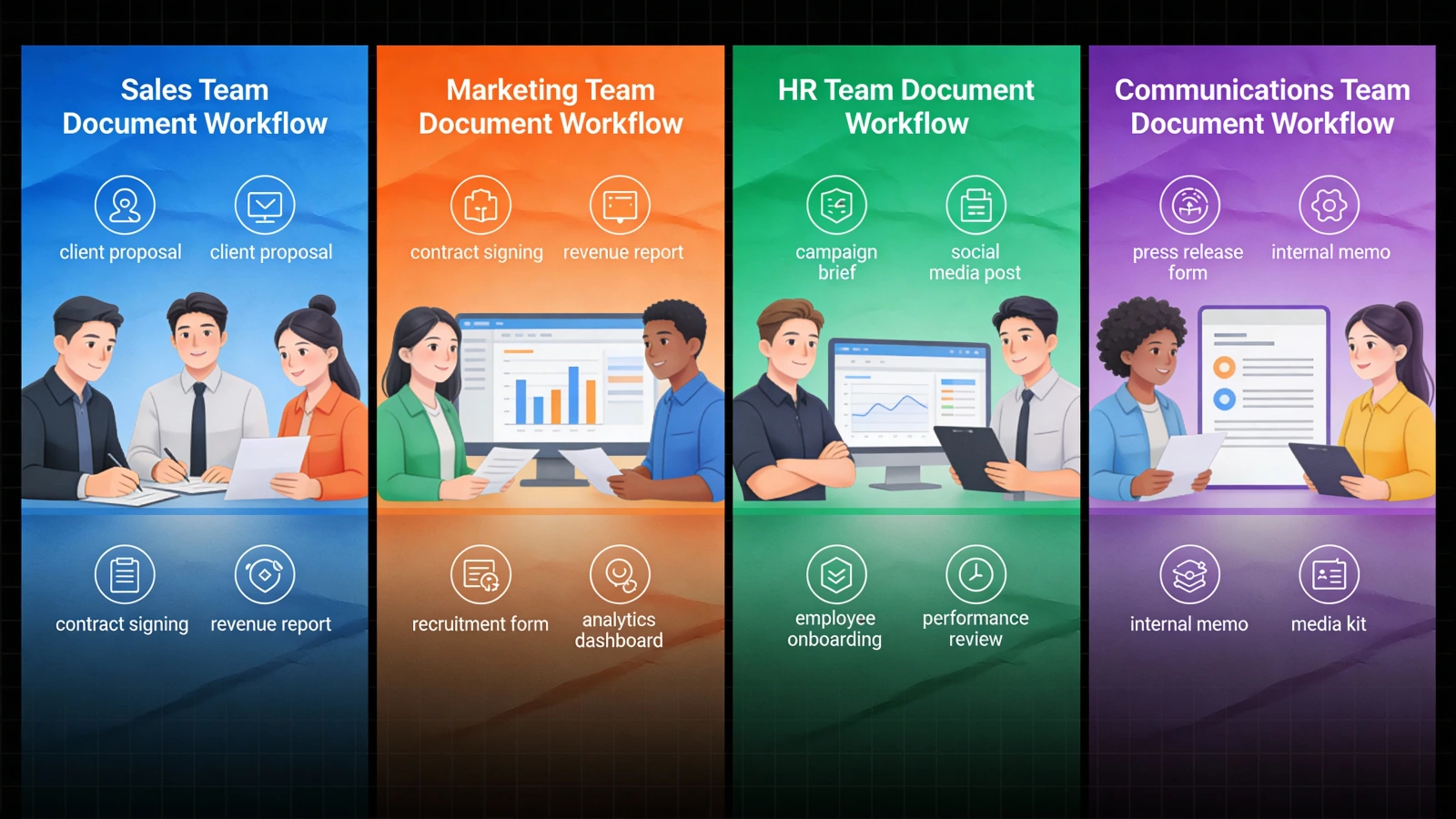
By: Every team sends documents. But here's the thing: what sales needs from a proposal is completely different from what HR needs from a training manual. And marketing? They want leads. Internal comms just wants people to actually read the company newsletter for once.
One-size-fits-all document tools don't work. They're fine for storage. Terrible for everything else.
This guide breaks down what each team actually needs. No fluff. Just the specific features that matter for how you work.
Why Does Your Team Even Matter?
Because a PDF is not just a PDF.
To sales, it's a proposal they need to track. To marketing, it's a lead magnet that should capture emails. To HR, it's proof of compliance. To internal comms, it's a newsletter that most employees will ignore.
Same file format. Completely different jobs.
Generic document tools treat all these the same. They shouldn't. When your document tool understands your workflow, everything gets easier. Faster follow-ups. Better lead data. Compliance reports that take minutes instead of hours.
Let's look at what each team needs.
What Do Sales Teams Need From Document Tools?
Sales lives and dies by timing. You send a proposal. Then you wait. And wonder. Did they open it? Did they share it with their boss? Are they stuck on pricing?
The core problem
You don't know what happens after you hit send.
According to Gartner research, the typical B2B buying group involves 6-10 decision makers, each armed with four or five pieces of information they've gathered independently. Your main contact forwards your proposal around. You have no idea who's reading it, what they're looking at, or whether it's sitting unopened in someone's inbox.
So you wait three days and send a "just checking in" email. They don't respond. You wait another week. Still nothing. The deal dies quietly and you never know why.
What actually helps
Real-time open notifications. Know the moment someone opens your proposal. Not 24 hours later. The moment it happens. Some tools ping you immediately so you can call while they're literally looking at it.
Page-by-page analytics. See which sections they spend time on. If they linger on pricing for 4 minutes, that tells you something. If they skip your case studies entirely, that tells you something else. This is intelligence, not guessing.
Viewer identification. When your contact forwards the proposal, know who else is reading it. Now you understand the buying committee without asking awkward questions.
CRM integration. All this engagement data should flow directly into Salesforce, HubSpot, or whatever you use. No manual logging. No forgetting to update the opportunity record.
The best sales teams track proposal engagement like they track email opens. Actually, better. Because a proposal tells you way more than an email ever could.
See how sales teams use Flipbooker for proposal tracking
What Do Marketing Teams Need?
Marketing creates content to generate leads. But somewhere between "download this PDF" and "become a customer," things get fuzzy. Did they read it? Did they share it? Was it worth the 40 hours your team spent creating it?
Alanna Alexander at Velocity Partners summed up the problem perfectly: "And then you turn it into a PDF to make sure no-one ever reads it."
That's the marketing content cycle in one sentence. You produce something good, lock it in a static format, and then wonder why nobody engages with it. Leadership asks which content drives revenue. You show them download numbers and hope they don't ask follow-up questions.
What actually breaks this cycle is knowing what happens after the download. Email gating that lets readers preview a few pages before asking for contact info converts better than a blank landing page form, because they already know they want what's behind the gate. Engagement scoring separates the person who read 20 pages from the one who bounced after the intro. Content analytics show you which sections hold attention and which ones lose people, so you know what to create more of.
But the real shift is lead routing. When a high-value prospect spends 15 minutes reading your pricing guide, that should trigger something. An alert to sales. An automated email sequence. Not a row in a spreadsheet that someone checks next week.
See how marketing teams generate leads with Flipbooker
What Do HR and Training Teams Need?
Short answer: proof.
When regulators ask if all employees completed harassment training, "we sent them a PDF" doesn't cut it. You need dates, read-through verification, and an audit trail. According to eLearning Industry research, 95% of organizations are building a culture of compliance, yet only 23% of employees rate their compliance training as "excellent." That gap is where HR lives.
The features that matter here are different from sales or marketing. Completion tracking (not self-reported, actual read-through data). Time-stamped records for audits. Automated reminders so you stop manually chasing stragglers. And engagement analytics that tell you when everyone drops off on page 12 of the safety manual, because that means page 12 is the problem, not your employees.
One thing most HR teams overlook: easy updates. Policies change. If updating a document means resending everything and restarting tracking from zero, you'll avoid updating until it's too late. The tool should let you swap content and keep the analytics intact.
See how HR teams track training completion with Flipbooker
What Do Internal Communications Teams Need?
Internal comms has the hardest job: making people read things they didn't ask for.
You spend hours crafting the perfect company update. You hit send. The CEO asks why nobody knew about the new benefits package. You explain that you sent three emails about it. Nobody cares. According to Gallup's 2025 State of the Global Workplace report, employee engagement has dropped to just 21% globally. Email is where internal newsletters go to die. That's not your fault. But it is your problem.
The fix has two parts. First, the format. Interactive content generates 52.6% more engagement than static content, with people spending 13 minutes on interactive formats versus 8.5 on static ones. Something that responds to clicks and flips holds attention in a way a PDF attachment never will. Second, the tracking. Not just open rates. Person-by-person read data. When leadership asks if specific teams got the message, you need a real answer, not "well, we sent it."
Beyond that, two non-negotiable requirements: the content should meet people where they are (Slack, intranet, email, whatever), and it should never require a login. Nothing kills engagement faster than "click here, then sign in, then find the document." One click. That's the bar.
See how internal comms teams boost engagement with Flipbooker
How Do You Pick the Right Tool?
Start with your core job. What does your team actually need documents to do?
| Team | Primary Goal | Must-Have Feature |
|---|---|---|
| Sales | Know when proposals get read | Real-time notifications + page analytics |
| Marketing | Generate qualified leads | Email gating + engagement scoring |
| HR/Training | Prove compliance | Completion tracking + audit trails |
| Internal Comms | Get people to actually read | Engagement analytics + easy access |
Generic document tools give you storage and sharing. That's table stakes. The question is whether they give you the specific features that make your job easier.
What About Document Security?
Every team needs this, so let's cover it once.
Password protection for sensitive documents. Expiration dates so old proposals don't float around forever. Disable downloading when you need to control distribution. View-only access for confidential materials.
Security isn't a team-specific feature. It's just expected. Make sure whatever you choose handles the basics.
What About Integration?
Your document tool should connect to whatever you already use.
CRM integration matters for sales and marketing. Engagement data flowing into Salesforce or HubSpot automatically is table stakes.
SSO/SAML matters for enterprise teams. Nobody wants another login to manage.
API access matters if you have developers who want to build custom workflows.
Zapier/webhook support matters if you want to trigger actions based on document engagement.
The best tool is the one that fits into your existing stack. Not the one that makes you change how you work.
Where to Go From Here
Pick your team and get specific:
- Sales teams: Document tools for proposal tracking and follow-up
- Marketing teams: Content tools for lead generation and ROI
- HR and training: Compliance tracking and engagement analytics
- Internal communications: Newsletters that actually get read
Or skip the reading and just try something. Upload a document you already have. Send it to yourself. Check the analytics after a day. That single test will tell you more about what your team needs than any feature comparison ever could.
FAQs
Do all teams need document analytics?
Not the same kind. Sales needs real-time open notifications. HR needs completion tracking with timestamps. Marketing needs engagement scoring. Internal comms needs read rates. The feature is the same idea, but the shape it takes differs by role.
Can one tool serve multiple teams?
Sometimes. A platform like Flipbooker covers sales tracking, marketing lead capture, and HR compliance in one tool. But if your needs are narrow, a specialized tool might fit better.
What's the cheapest way to start tracking document engagement?
Most flipbook platforms have free tiers or trials. Upload one document you'd normally send as a PDF, share it, and check the analytics after a day. That costs nothing and tells you immediately whether tracking matters for your workflow.
Does document tracking work with email campaigns?
Yes. You share a flipbook link in your email instead of attaching a PDF. When someone clicks the link and reads the document, you get analytics on their engagement. The email platform handles delivery; the flipbook platform handles tracking.
Is email gating worth it for marketing content?
It depends on the content. High-value guides and reports convert well with a gate after a few preview pages. Short pieces or top-of-funnel content usually perform better ungated.